Second Display (9.7 / 12.1 / 15 inch) & CDP Installation Guide
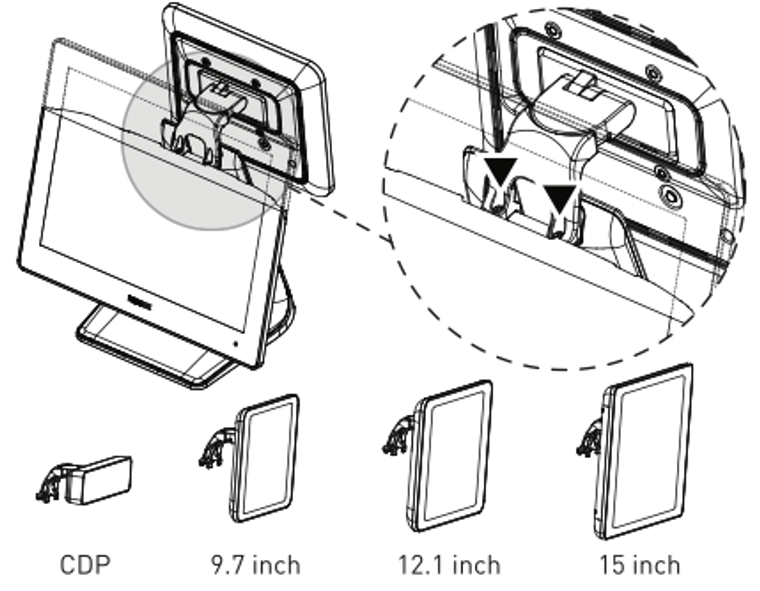
Step 1:
Use screws to secure the second display to the monitor.
Step 2:
Connect the display cable to the VGA port.
Step 3:
Please contact Beyond Menu Technical Support for assistance in entering the BIOS settings and enabling the second display output.
Note:
When using CDP, BIOS setup is not required.
Supported Display Devices
- CDP
- 9.7 inch display
- 12.1 inch display
- 15 inch display